Microsoft Planner alternative: when switching makes sense
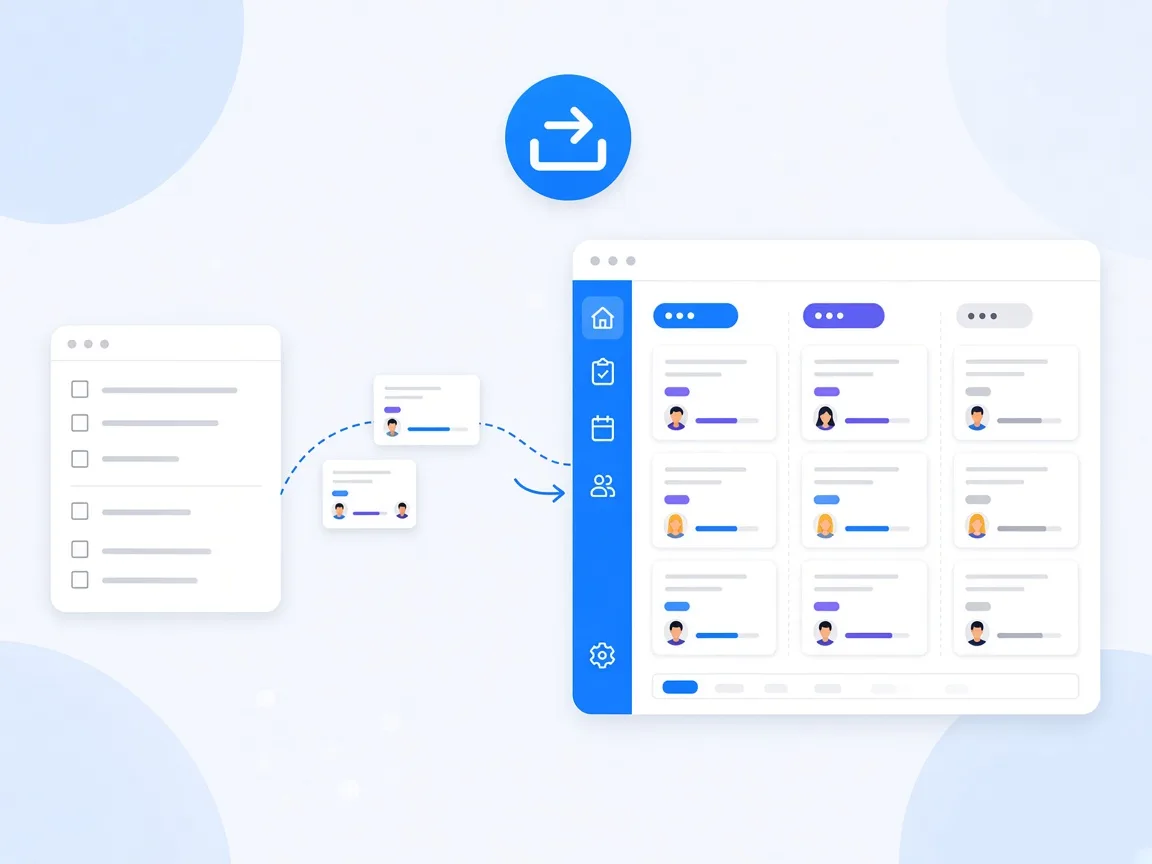
An alternative to Microsoft Planner makes sense if your team needs permissions per task, wants to split projects into sub-boards, wants to restore accidentally deleted tasks or requires running the software in its own infrastructure. For simple task lists where everyone may see everything, Planner is often enough. The switch itself is not a big project: with the import wizard in timeghost Project Board, you bring existing plans over directly from Planner. This guide helps you decide and walks you through the import step by step.
What Microsoft Planner does well
Planner is included in many Microsoft 365 subscriptions, according to Microsoft for example in Business Basic, Business Standard and Office 365 E1, E3 and E5. For teams that want to get started quickly, that is a real advantage: no purchase, no approval, ready to use.
According to Microsoft, basic plans offer grid, board, charts and schedule views, filtering and grouping, comments, recurring tasks and export to Excel. A premium license adds timeline (Gantt), dependencies, sprints, goals, custom fields and task history. If you use Planner and are happy with it, there is no need to change.
Where teams hit limits in day-to-day work
The typical reasons teams look for an alternative are rarely missing views. Usually it's about permissions, structure and security:
- Access per plan only: According to Microsoft, the container, for example a Microsoft 365 group, defines access to the plan. Members can generally create, update and delete all tasks. Confidential tasks that only two people should see can't be set up this way.
- Deleted tasks are gone: According to Microsoft Support, a deleted task can't be recovered. It has to be recreated.
- Sub-projects as separate plans: Within a plan you organize with buckets. Sub-projects or phases become separate plans, and the overview gets scattered.
- Features depend on plan type: Some features exist only in basic plans, such as recurring tasks and the schedule view, others only in premium plans with an additional license, such as task history.
- Cloud service only: Planner is part of Microsoft 365. Running it in your own infrastructure is not an option.
Criteria: when switching makes sense
Go through these questions with your team. The more you answer with yes, the more a switch makes sense:
- Do you need different permissions in the same project? For example observers who only read, or external contributors who only see their own tasks.
- Are there confidential tasks? HR topics or contract negotiations shouldn't be visible to the whole team.
- Are your projects split into phases or sub-projects? Then one project with several sub-boards helps more than many separate plans.
- Is recoverability important? An archive and a trash protect you from accidental deletion.
- Do your projects repeat? Templates save time for onboarding, campaigns or rollouts.
- Are there requirements on where the software runs? For example hosting in Germany or on-premise.
What timeghost Project Board does differently
Like Planner, Project Board runs right inside Microsoft Teams, and you sign in with your Microsoft 365 account via Microsoft Entra ID. The key differences:
- Roles and permissions: Each project has the roles Owner, Member, Observer and Restricted access. On the Premium plan you can also restrict the visibility of individual tasks to selected people.
- Tabs with sub-boards: From the Basic plan, each tab holds its own sub-board. The project stays in one place.
- Archive and trash: From the Basic plan, you can restore archived content at any time, and deleted items stay in the trash for 30 days.
- Templates and recurring tasks: Both are already included in the free plan, with higher limits on Basic and Premium.
- Hosting: The cloud service runs on Microsoft Azure in the Germany West Central region (Frankfurt). For companies with their own IT infrastructure there is an on-premise solution.
The Project Board vs. Microsoft Planner comparison shows all differences in one table.
Step by step: import your Planner plans
The import wizard brings the tasks of a plan into a project in Project Board:
- Create a project: Create a new project in Project Board for the plan.
- Start the import: In the project, open the Settings menu at the top right and choose Import cards. Select Microsoft Planner as the source and then the plan.
- Map columns: Assign each column to a field, for example Title, Description, Assigned to, Status or Labels. Set anything you don't need to Do not import.
- Map external values: Match people, statuses, priorities and labels from Planner to the right values in Project Board.
- Review and start: If the wizard finds tasks that already exist, you choose to skip duplicates, update existing tasks or create new tasks.
Every import is saved as a batch. If something went wrong, deleting the batch removes all tasks of that import in one step. Details are in the help center under Import, archive and trash. The guide Set up a Kanban board in Microsoft Teams shows how to set up the board after the import with columns, section rules and saved views.
Common mistakes when switching
- Moving everything at once: Start with one active project, gain experience and then move more plans.
- Assigning roles afterwards: Decide before the import who owns the project, who contributes and who only observes.
- Taking old, finished work along: Only import what you still need. You can leave completed plans in Planner for reference or export them to Excel.
- Not bringing the team along: Take ten minutes to show where the board lives, how comments work and how to set up notifications.
Conclusion: Planner is often enough, but not always
Microsoft Planner is a solid starting point, especially if all members may see all tasks and simple lists are enough. If you need permissions per task, sub-boards in one project, a trash or hosting in Frankfurt all the way to on-premise, an alternative is worth it. Like Planner, timeghost Project Board runs in Microsoft Teams, brings your plans over with the import wizard and can be tested side by side. See the plans in the pricing overview, or try Project Board for free right in Microsoft Teams.
Sources and further reading
- Microsoft Learn: Microsoft Planner for admins
- Microsoft Learn: Security, privacy, and compliance in Microsoft Planner
- Microsoft Support: Compare Microsoft Planner basic vs. premium plans
- Microsoft Support: Delete a task or plan
This article is for general information only. Information on Microsoft Planner is based on Microsoft documentation, and Microsoft may change features and licenses at any time. The content was created with the help of AI and reviewed by our editors. As of: 2026-10-16.
Frequently asked questions
Can I move my Planner plans into Project Board?
Yes. The import wizard in timeghost Project Board offers Microsoft Planner as a source. You select the plan, map columns and values such as people, statuses and labels, and decide how duplicates are handled. Every import is saved as a batch and can be deleted in one step if needed.
Is Microsoft Planner free?
According to Microsoft, Planner is included in several subscriptions, for example Microsoft 365 Business Basic and Business Standard as well as Office 365 E1, E3 and E5. Premium plans with timeline, dependencies, sprints and goals require an additional license such as Planner Plan 1 or Planner and Project Plan 3 or 5.
Can I hide individual tasks from other members in Planner?
No. According to Microsoft, access to a plan is defined by its container, for example a Microsoft 365 group. Members can generally create, update and delete all tasks in the plan. In timeghost Project Board, the Premium plan lets you restrict the visibility of individual tasks to selected people.
Can we use Planner and Project Board side by side?
Yes. Both are standalone apps in Microsoft Teams. You can first try Project Board with a single project on the free plan and then decide which initiatives to move.
About the Author

timeghost Team
Editorial Team
The timeghost team builds Project Board and writes about project and task management in Microsoft Teams.
Share article