Project status at a glance: on track, at risk or off track?
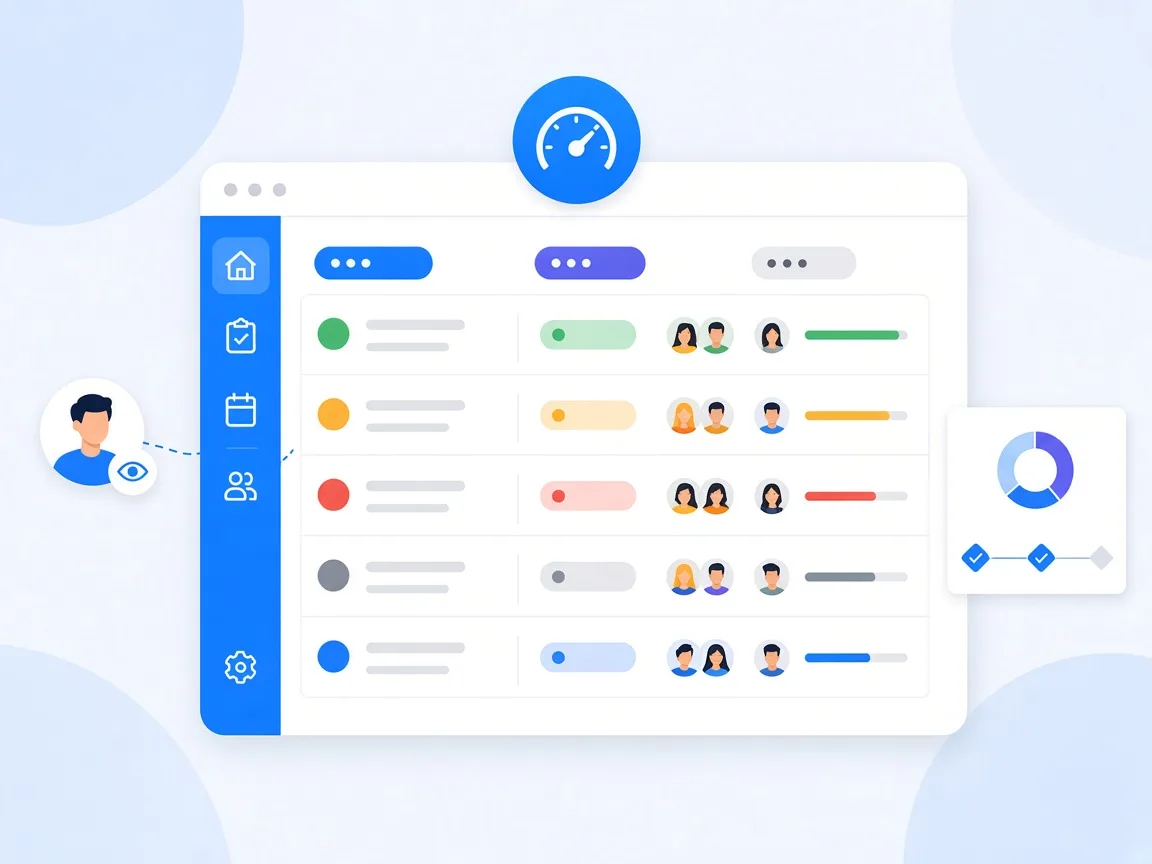
You keep the project status in view when every project has a clearly defined status, the team updates it on a fixed schedule and all projects sit side by side in one place. In timeghost Project Board, you set one of five status values per project: On track, At risk, Off track, On hold or Completed. Next to the status, the project list shows the number of open, overdue and completed tasks. That way you see at a glance where action is needed, without collecting status reports. This guide shows how that works day to day.
Why status reports often don't work
In many teams, the project status is put together once a month in a slide deck. By the time it's done, it's already outdated. On top of that come typical problems:
- Green until just before the end: Whoever reports their own status would rather report a problem too late than too early.
- No shared understanding: What does at risk mean? A week's delay, or a shaky budget?
- Status without facts: A traffic light without numbers behind it invites discussion, but not decisions.
- Scattered sources: The status is in emails, chats and spreadsheets, but nowhere complete.
A project status maintained right in the project management tool mainly solves the last problem. For the others, you need clear agreements in the team.
Define status values as a team
Before you set the first status, agree together what each value means. A suggestion as a starting point:
- On track: Dates and goals are achievable, and there are no open risks the team can't solve on its own.
- At risk: A date or goal is wobbling. The team has a plan but might need support.
- Off track: An important date or goal will be missed without intervention. A decision is needed.
- On hold: The project is deliberately paused, for example due to a missing approval or changed priorities.
- Completed: The goal is reached, and remaining tasks have been handed over.
One rule matters: At risk is not about blame. The earlier a project is marked as at risk, the more room there still is to act.
Step by step: keep the project status in Project Board
- Set the status: In the project list via Set status, or next to the title in the open project. The X next to it removes it again.
- Create milestones: Under Milestones in the project menu, create important goals with a title, due date and description.
- Link tasks: Link tasks via the Milestone field. Each milestone then shows its progress, for example 2 of 5 tasks done.
- Set a rhythm: Agree on a fixed time when owners check the status, for example every Monday morning.
- Involve managers: Add managers with the Observer role. They have full view but don't change anything.
The help center explains projects, roles and milestones in detail under Projects, members and roles.
The project list as your control center
Under Projects, you see all projects you have access to. For each project, the list shows the Project status, the Project members and the number of Tasks, Overdue tasks and Completed tasks. The columns can be sorted, and Filter narrows down the list.
For managers, that means: sort by overdue tasks, and you immediately see where things are stuck, even if the status still says On track. The star marks a project as a favorite, and the bell lets you follow a project and get notified about changes.
For your own working day, Home completes the picture: it shows your projects, latest comments and recent activities. The Leadership page shows how managers use Project Board beyond that.
Make status meetings shorter
If the status in the tool is current, nobody needs to present it in the meeting anymore. A proven agenda for a 15-minute weekly status meeting:
- Open the project list, sorted by status.
- Only discuss projects that are At risk or Off track, or whose overdue tasks have increased.
- One question per project: What do you need to get back on track?
- Record decisions right away: as a new task with an assignee and a date, or as a comment on the affected task.
Projects that are on track get no speaking time. That saves time and rewards teams that keep their status honest.
Common mistakes and how to avoid them
- Status without a definition: Without a shared understanding, every color means something different to everyone. Write down the definitions.
- Status only updated before the meeting: If the situation changes significantly, update the status right away.
- No milestones: Without intermediate goals, you only notice delays at the end. Two to five milestones per project are usually enough.
- Ignoring overdue tasks: A project with many overdue tasks is rarely really on track. Look at the numbers, not just the color.
- Leaving finished projects open: Set them to Completed and archive them so the list stays clear.
The guide Assign tasks in your team shows how to assign tasks so dates don't start slipping in the first place.
Conclusion: honest status, shorter meetings
A good project status needs three things: clear definitions, a fixed rhythm and one place where all projects sit side by side. Then the status report becomes a look at the project list, and meetings only revolve around the projects that really need help. timeghost Project Board provides project status, milestones, a project list with overdue tasks and the Observer role for managers right inside Microsoft Teams. See the plans in the pricing overview, or try Project Board for free in your Microsoft Teams.
Sources and further reading
This article is for general information only. The content was created with the help of AI and reviewed by our editors. As of: 2026-10-16.
Frequently asked questions
Which project statuses does timeghost Project Board offer?
timeghost Project Board offers five project statuses: On track, At risk, Off track, On hold and Completed. You set the status in the project list or next to the title in the open project.
Who can change the project status?
Whether someone can change the status depends on their role in the project. For managers who only want to follow along, the Observer role is a good fit: they have full view of the project but cannot change or comment on anything.
How often should the project status be updated?
A fixed weekly rhythm works well, for example every Monday before the team meeting. If the situation changes significantly, for example because a milestone slips, the status should be updated right away.
How do I spot delays before a project goes off track?
Watch overdue tasks and milestones. The project list in timeghost Project Board shows the number of overdue tasks per project, and overdue milestones are highlighted in red. If these numbers rise, that is an early warning sign.
About the Author

timeghost Team
Editorial Team
The timeghost team builds Project Board and writes about project and task management in Microsoft Teams.
Share article