Project management in Microsoft Teams: a guide to getting started
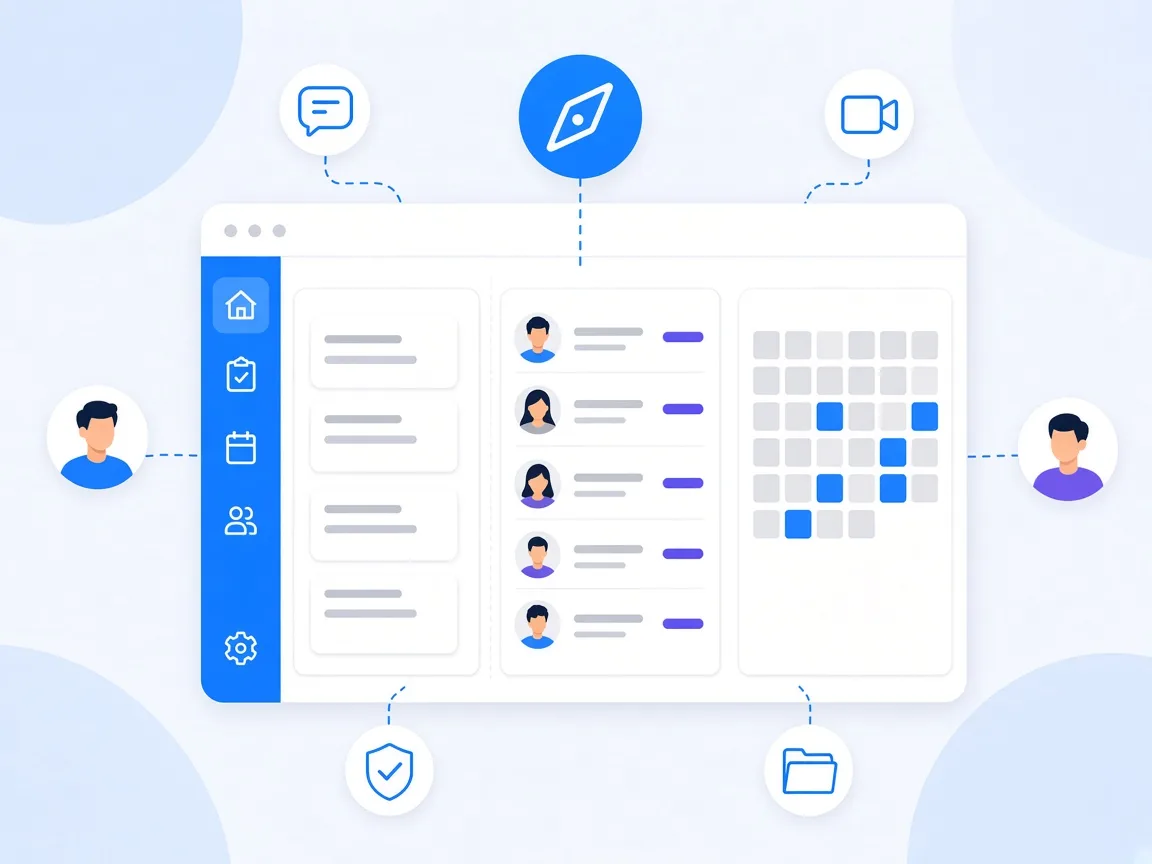
Project management in Microsoft Teams works when you use Teams as your workspace and add a project management app that runs right inside it. Chats, channels and meetings cover communication, but tasks, ownership, dates and project status need a board. Microsoft Planner is one possible starting point. If you need permissions per task, sub-boards, templates or hosting in Germany, a dedicated app such as timeghost Project Board is worth it. This guide shows what the built-in tools do, which criteria to use when choosing a tool and how to roll it out in your team.
Why project management in Microsoft Teams?
For many companies, Microsoft Teams has long been the place where work happens: chats, meetings, files and agreements all come together there. A separate project management tool outside Teams means another login, another window and another place where information drifts apart.
If project management lives right inside Teams, the barrier drops. Notifications arrive where the team already works, a link to a task is quickly shared in chat, and sign-in uses the existing Microsoft 365 account.
What Microsoft Teams brings out of the box
- Channels and chats: for team discussions. Great for quick questions, poor for tasks, because messages scroll out of sight.
- Meetings: for alignment. Whatever is decided there needs a place where it lives on as a task.
- Files: for shared documents.
- Microsoft Planner: Microsoft's task app. According to Microsoft, it is included in several subscriptions, for example Business Basic, Business Standard and Office 365 E1, E3 and E5.
For small teams with simple task lists, that can be enough. Typical limits show up as projects grow: according to Microsoft, access in Planner applies to the entire plan, deleted tasks can't be recovered, and some features such as the Gantt view or task history require a premium license. The guide Microsoft Planner alternative covers this in detail.
Criteria for a project management app in Teams
Check these points when choosing:
- Views: Are there board, list and calendar? Every role in the team works differently. The team lead plans in the calendar, execution happens on the board.
- Structure: Can large projects be split into phases or sub-projects without falling back on many separate plans?
- Permissions: Are there roles per project, such as read-only observers? Can confidential tasks be hidden?
- Reuse: Are there project templates and recurring tasks for routines?
- Notifications: Do they arrive in Teams and by email, and can they be fine-tuned?
- Overview: Is there a project status and an overview of all projects?
- Security and hosting: Where is the data stored? Is there single sign-on with Microsoft Entra ID? Can it run in your own infrastructure?
- Switching: Can existing tasks be imported from Planner or Excel?
How timeghost Project Board covers these criteria
- Views: Board, list and calendar with month, week and day views, plus filters, grouping and saved views. The guide Set up a Kanban board in Microsoft Teams shows how to set up a board.
- Structure: From the Basic plan, tabs split a project into sub-boards with their own sections and tasks.
- Permissions: Roles per project (Owner, Member, Observer, Restricted access), plus exclusive access to individual tasks on the Premium plan.
- Reuse: Templates and recurring tasks are included even on the free plan. Learn more in the guide Project templates and recurring tasks.
- Notifications: Selectable per event in the app, by email and in Microsoft Teams. Assign tasks in your team shows how to use them well day to day.
- Overview: Project status, milestones and a project list with overdue tasks. Learn more in Project status at a glance.
- Switching: An import wizard brings over tasks from CSV and Excel files or directly from Microsoft Planner.
Security and data protection
With project data in particular, IT and data protection teams rightly ask questions. For timeghost Project Board:
- ISO 27001-konform: Information security follows the requirements of ISO 27001.
- Hosting in Frankfurt: The cloud service runs on Microsoft Azure in the Germany West Central region.
- GDPR-compliant: Personal data is processed in line with the GDPR.
- Single sign-on: You sign in with your organization's Microsoft 365 account via Microsoft Entra ID, without an extra password.
- Encrypted and backed up: All communication runs over HTTPS, and backups are created at least twice a day on redundant servers.
- On-premise: For companies with their own IT infrastructure, there is an on-premise solution.
Details are in the help center under Security and operations.
Roll it out in five steps
- Pick a pilot project: Start with a manageable, active project and a team that is open to change.
- Agree on ground rules: Every task has an owner and a date, discussions happen in comments on the task, and the project status is updated weekly.
- Set up the structure: Define columns, labels and roles. Save what works as a template.
- Bring over existing work: Import open tasks from Planner or Excel, not the old, finished work.
- Roll out: After a few weeks of piloting, add more teams and projects, each with a short introduction.
Common rollout mistakes
- Tool before process: A tool doesn't fix unclear ownership. First clarify who decides what.
- Everything at once: A company-wide big bang is overwhelming. A successful pilot convinces more than any training.
- Parallel channels: If tasks keep flowing by email, the board loses its value. Consistently point to the task.
- No upkeep: Without a fixed rhythm, status and dates go stale. A short weekly meeting is enough.
Conclusion: Teams as the hub, the app as the project office
Microsoft Teams is a strong foundation for project management, but not a project management tool. Only with an app for tasks, ownership and status does Teams become the hub for your projects. Whether Planner is enough or a dedicated app fits better depends on permissions, structure and hosting requirements. timeghost Project Board runs right inside Microsoft Teams, offers board, list and calendar, templates, project status and roles, and is ISO 27001-konform with hosting in Frankfurt. See all features on the home page, and the plans in the pricing overview. Or try Project Board for free in your Microsoft Teams.
Sources and further reading
- Microsoft Learn: Microsoft Teams documentation
- Microsoft Learn: Microsoft Planner for admins
- Microsoft Learn: Microsoft Entra ID
- Microsoft Learn: Azure regions
- ISO: ISO/IEC 27001 Information security
- EUR-Lex: Regulation (EU) 2016/679 (GDPR)
This article is for general information only and is not legal advice. Information on Microsoft Planner is based on Microsoft documentation. The content was created with the help of AI and reviewed by our editors. As of: 2026-10-16.
Frequently asked questions
Is Microsoft Teams a project management tool?
Microsoft Teams is primarily a platform for chat, meetings and collaborating on files. For project management with tasks, ownership, dates and project status, you add an app to Teams, for example Microsoft Planner or timeghost Project Board.
Do I need an additional license for project management in Teams?
That depends on the app. According to Microsoft, Microsoft Planner is included in several Microsoft 365 subscriptions, while premium features require an additional license. timeghost Project Board has a free plan and the paid Basic and Premium plans.
Where is timeghost Project Board data stored?
The cloud service of timeghost Project Board runs on Microsoft Azure in the Germany West Central region (Frankfurt). For companies with their own IT infrastructure, there is also an on-premise solution.
How long does it take to roll out a project management tool in Teams?
The technical setup usually takes less than an hour because sign-in uses your existing Microsoft 365 account. For the rollout in your team, plan a few weeks: start with a pilot project, agree on rules and then move more projects step by step.
About the Author

timeghost Team
Editorial Team
The timeghost team builds Project Board and writes about project and task management in Microsoft Teams.
Share article